How to Use AnoPay

AnoPay is a privacy-focused payment gateway that lets you receive crypto without revealing your identity. Perfect for donations, tips, or quick invoices—no KYC.
⚠️ Disclaimer: Educational only. Comply with your local laws.
🚀 Step 1: Open AnoPay
- Web: anopay.me
- Telegram Mini App: t.me/AnoPay_bot
📥 Step 2: Enter receiving wallet & currency
Pick the wallet you want to get paid to and choose the currency (e.g., XMR, USDT TRC20).
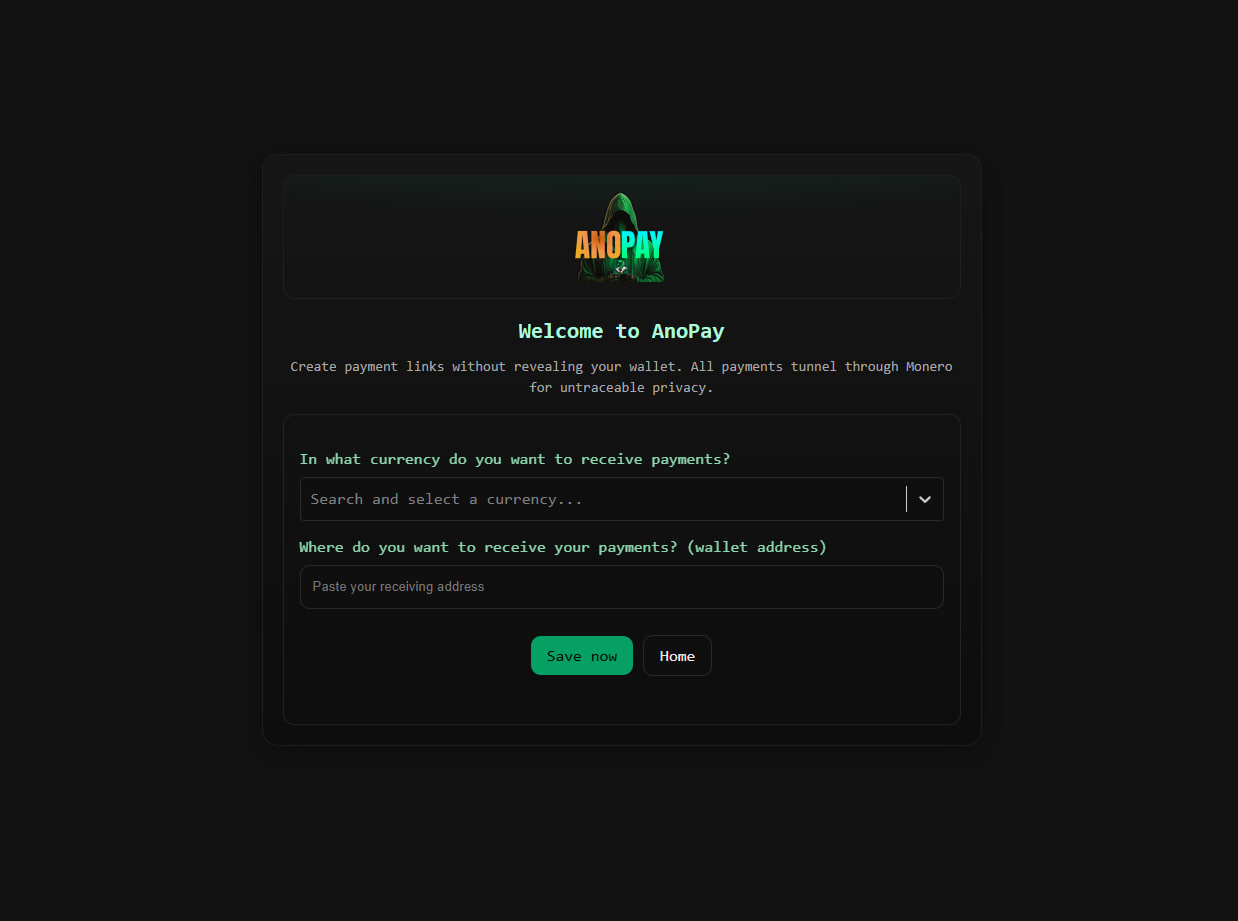
💵 Step 3: Create a payment link
- Enter the USD amount (min. $10).
- Tap Create Payment Link.
AnoPay generates a unique, anonymous link.
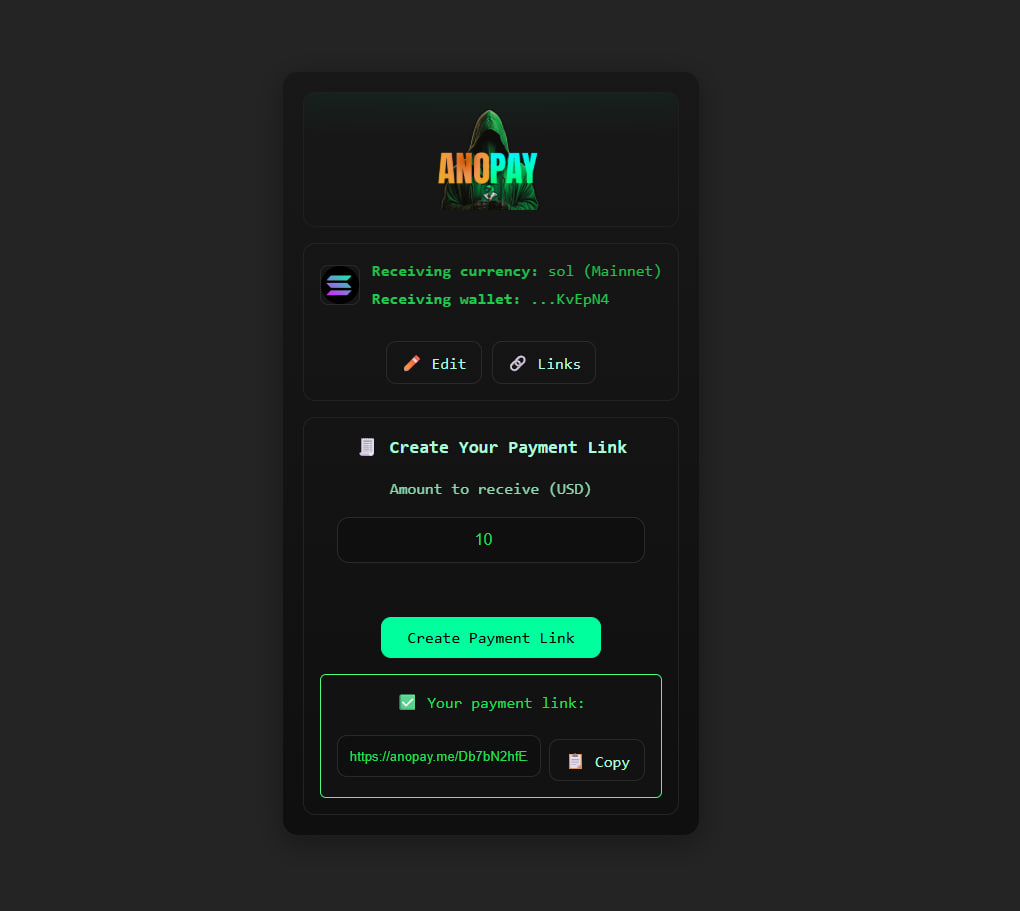
🔗 Step 4: Share your link
Send it anywhere—socials, DMs, websites, QR. The link never exposes your real wallet.
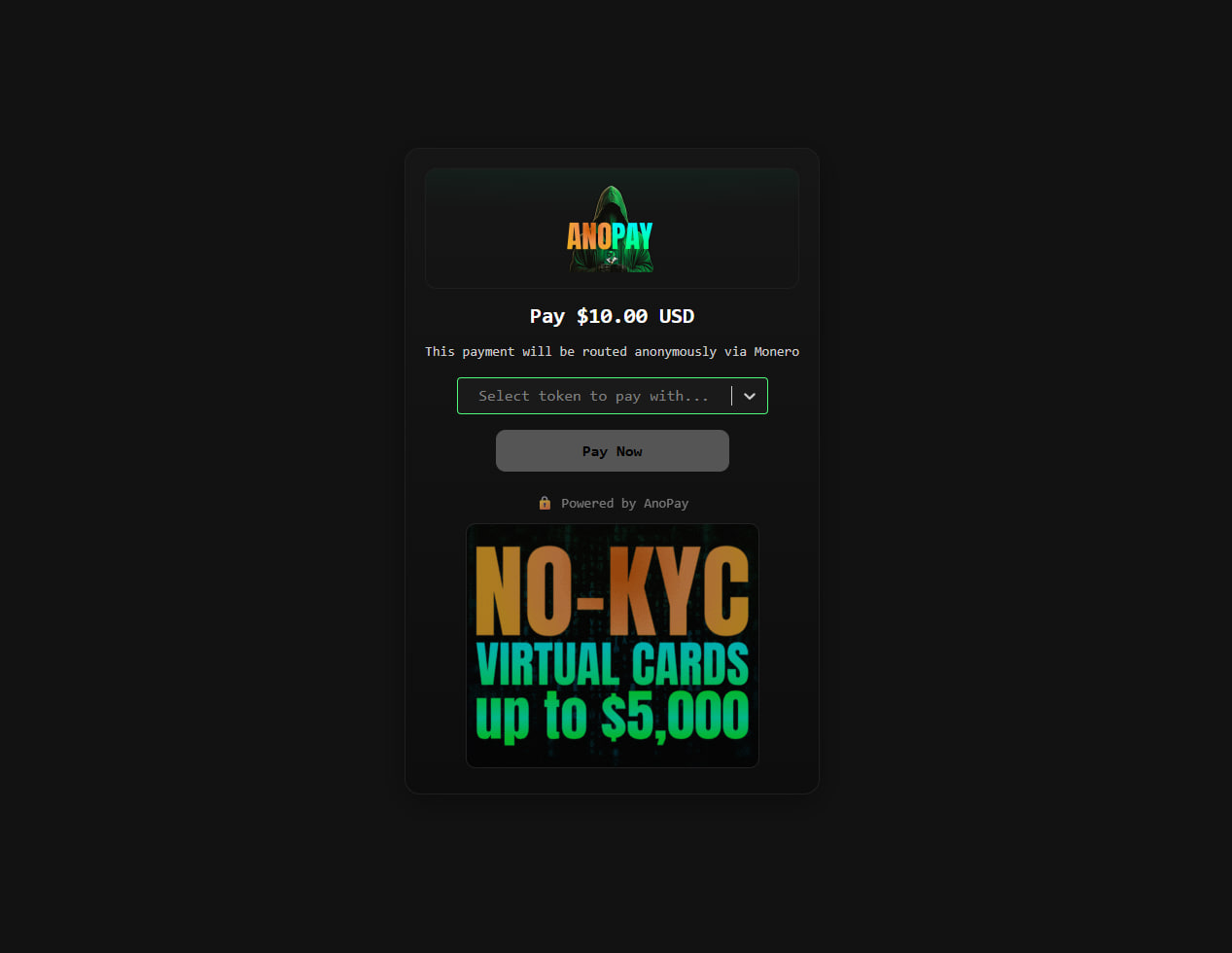
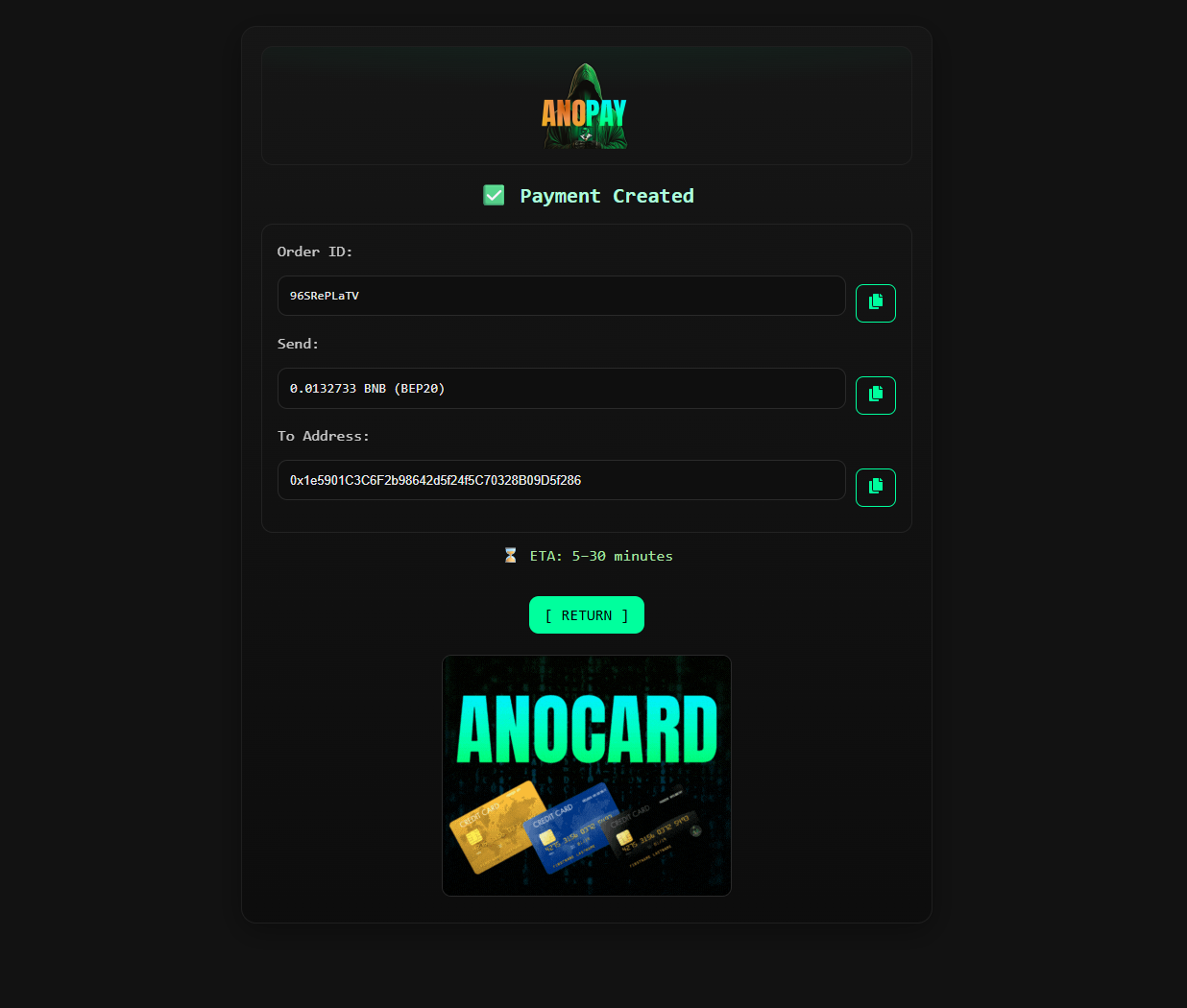
💳 Step 5: Payment process (sender view)
- Sender picks a currency.
- AnoPay shows the pay address.
- Sender pays; funds auto-forward to your receiving wallet.
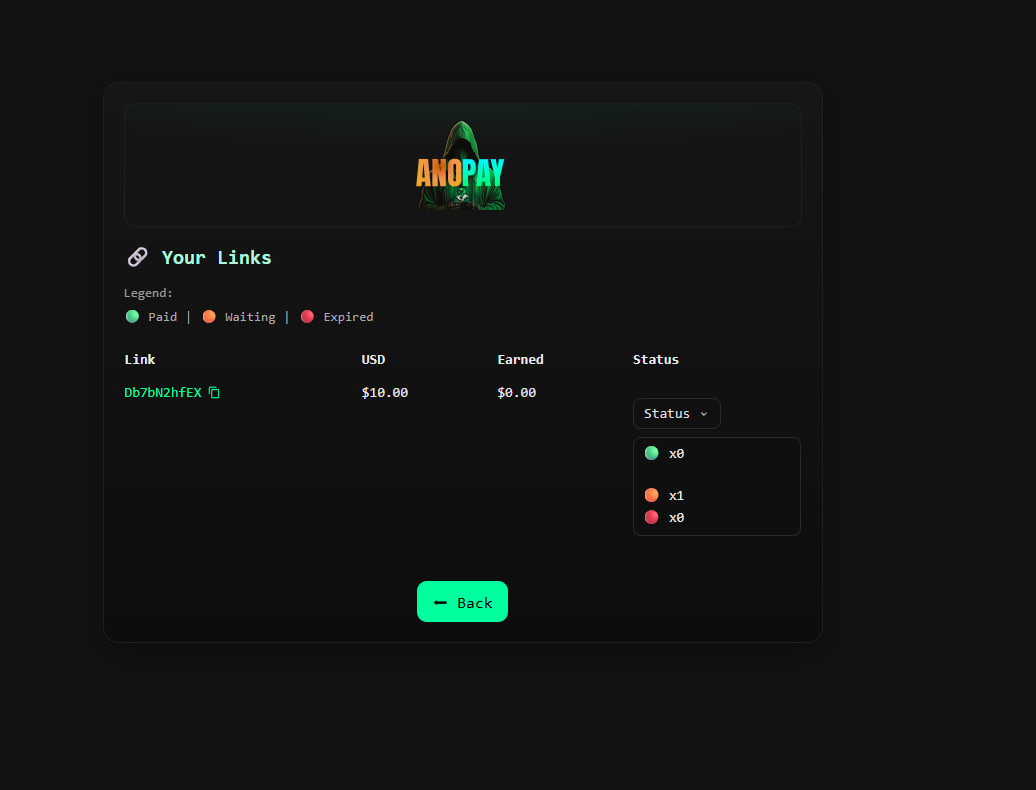
📊 Step 6: Track your payments
Create an account (optional) to see totals, USD/crypto amounts, and statuses: 🟢 Paid | 🟠 Waiting | 🔴 Expired.
🛡 Step 7: Stay anonymous
- Don’t link payment links to personal profiles.
- Keep using private wallets and networks (VPN/eSIM).
✅ Quick Summary
| Step | Action |
|---|---|
| Open AnoPay | Web or Telegram |
| Enter receiving wallet | Choose currency |
| Create link | Set amount & generate |
| Share | Anywhere (DM, site, QR) |
| Track | Optional dashboard |
| Stay private | Don’t dox yourself |
📌 Example Use Cases
- Sell digital products without exposing your wallet.
- Take donations/tips privately.
- Send one-time crypto invoices.
With AnoPay, privacy is the default. Enjoy safe, anonymous crypto payments.***